
 Cart is empty
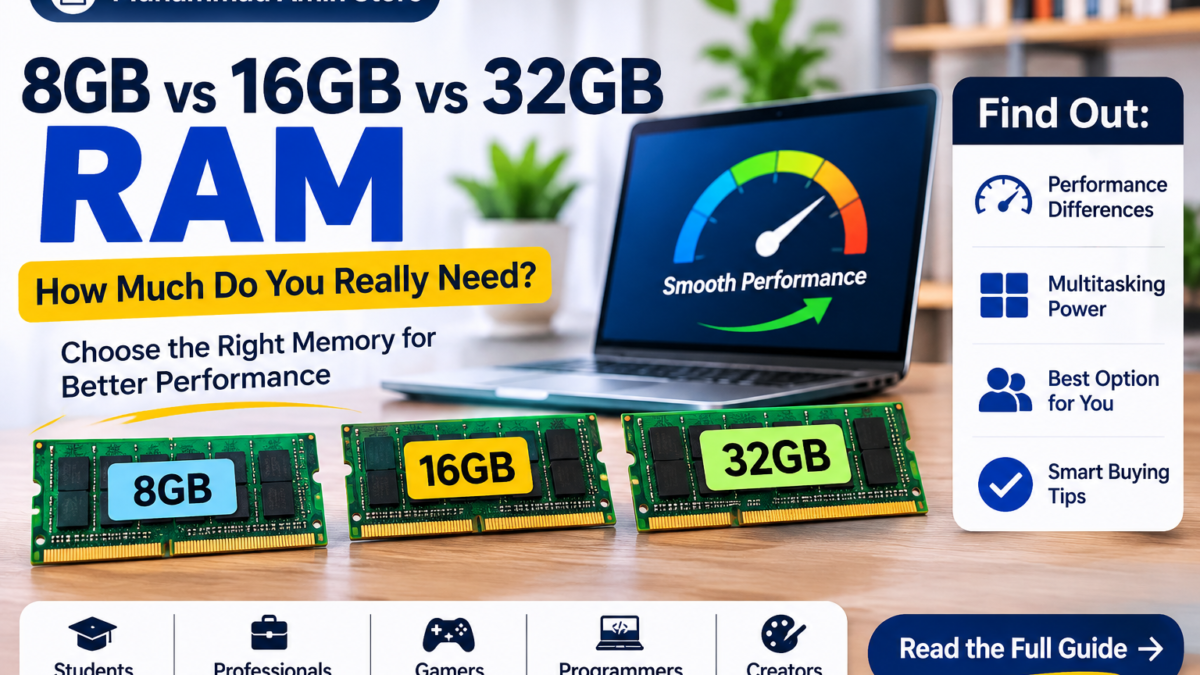
When buying a laptop, one of the most important specifications to consider is RAM.
You may have noticed laptops advertised with 8GB, 16GB, or 32GB of memory. But what do these numbers actually mean? Is 8GB enough for everyday use? Should you choose 16GB for better multitasking? And is 32GB worth the additional investment?
The answer depends on how you use your laptop.
RAM affects how your computer handles active applications, browser tabs, and background tasks. Choosing the right amount can help you get a laptop that meets your needs without spending money unnecessarily.
In this guide, we compare 8GB vs 16GB vs 32GB RAM and explain which option makes sense for different types of users in 2026.
Table of Contents
- What Is RAM?
- How Does RAM Affect Laptop Performance?
- 8GB RAM: Who Should Choose It?
- 16GB RAM: Is It the Best Choice for Most Users?
- 32GB RAM: Who Actually Needs It?
- 8GB vs 16GB vs 32GB Comparison
- How Much RAM Do Different Users Need?
- Does More RAM Make a Laptop Faster?
- Can You Upgrade Your Laptop RAM?
- Common RAM Buying Mistakes
- Frequently Asked Questions
- Final Recommendation
1. What Is RAM?
RAM stands for Random Access Memory.
It is the short-term working memory used by your laptop to keep information readily available while applications are running.
For example, when you open a web browser, a document, a video call, and a spreadsheet, your computer uses RAM to manage the information required by those applications.
RAM is different from storage.
RAM: Temporarily holds information used by active applications.
SSD or HDD: Stores your files, applications, and operating system over the long term.
A laptop with more RAM can generally handle more active tasks without needing to move as much data between memory and storage.
However, more RAM does not automatically make every laptop faster. The processor, storage, software, and workload also matter.
2. How Does RAM Affect Laptop Performance?
Imagine working at a desk.
A small desk gives you limited space to keep your books, papers, and tools open. A larger desk allows you to work with more items at the same time.
RAM works in a similar way.
When your laptop has enough memory, it can manage active applications more comfortably.
When memory becomes insufficient, the operating system may use storage as additional virtual memory. Because storage is generally slower than RAM, this can affect responsiveness.
You may notice:
- Slower application switching
- Delays when opening large files
- Browser tabs reloading
- Reduced multitasking performance
- More frequent system slowdowns under heavy workloads
The solution is not always buying more RAM. Sometimes closing unnecessary applications or improving storage and software performance can also help.
3. 8GB RAM: Who Should Choose It?
8GB RAM can be suitable for basic laptop users.
If your daily activities mainly involve browsing, watching videos, writing documents, and checking email, 8GB may be enough.
What Can You Do With 8GB RAM?
Typical activities include:
- Web browsing
- Email and messaging
- Microsoft Office applications
- Online classes
- Video streaming
- Basic document editing
- Light everyday multitasking
Advantages of 8GB RAM
- Can be sufficient for basic workloads
- May help keep laptop purchase costs lower
- Suitable for users with relatively simple computing needs
Limitations of 8GB RAM
- Less flexibility for heavy multitasking
- May struggle with memory-intensive applications
- Less comfortable for demanding development workflows
- Can become limiting as software requirements increase
Who should choose 8GB?
Students and casual users with basic workloads may consider 8GB, particularly when their budget is limited and the laptop’s other specifications are suitable.
Before buying, check whether the RAM can be upgraded later.
4. 16GB RAM: Is It the Best Choice for Most Users?
For many people buying a Windows laptop in 2026, 16GB RAM is a practical balance.
It provides more flexibility than 8GB when using multiple applications and working with larger projects.
What Can You Do With 16GB RAM?
Common activities include:
- Multiple browser tabs
- Office applications
- Video conferencing
- Online learning
- WordPress development
- General programming
- Photo editing
- Everyday multitasking
- Light creative workloads
Your actual experience depends on the processor, operating system, software, and other hardware.
Advantages of 16GB RAM
- More multitasking flexibility
- Suitable for many professional and educational tasks
- Better headroom for applications that use more memory
- A practical balance between capacity and cost
Limitations of 16GB RAM
- May not be enough for some demanding creative projects
- Can be limiting with multiple virtual machines
- Heavy professional workflows may benefit from additional memory
Who should choose 16GB?
Consider 16GB if you are:
- A college student
- An office professional
- A freelancer
- A WordPress developer
- A general programmer
- A remote worker
- A regular multitasker
For many everyday users, this is a sensible starting point.
5. 32GB RAM: Who Actually Needs It?
32GB RAM is designed for people who regularly work with demanding applications or large workloads.
It offers more memory capacity and can help when several resource-intensive applications run simultaneously.
What Can You Do With 32GB RAM?
It can be useful for:
- Professional video editing
- Large graphic design projects
- Advanced programming environments
- Multiple virtual machines
- Large datasets
- Complex creative workflows
- Heavy multitasking
- Some demanding gaming and streaming setups
Advantages of 32GB RAM
- More room for memory-intensive applications
- Better flexibility for large projects
- Useful for demanding multitasking
- More capacity for virtual machines and development tools
Limitations of 32GB RAM
- May increase the purchase cost
- Can be unnecessary for everyday computing
- Does not guarantee better performance if another component is the bottleneck
Who should choose 32GB?
Consider 32GB if your actual applications and workloads benefit from it.
Professional editors, developers running virtual machines, and users working with large creative projects may find the extra capacity worthwhile.
6. 8GB vs 16GB vs 32GB RAM: Comparison Table
Here is a simple comparison to help you decide.
| Feature | 8GB RAM | 16GB RAM | 32GB RAM |
|---|---|---|---|
| Basic browsing | Suitable | Suitable | Suitable |
| Office work | Suitable | Very suitable | More than needed for many users |
| Online classes | Suitable | Suitable | More than needed for many users |
| Multitasking | Limited | Good | Very good |
| Programming | Basic projects | General development | Demanding environments |
| Photo editing | Light projects | Many workflows | Larger projects |
| Video editing | Limited | Depends on workload | More suitable for demanding projects |
| Virtual machines | Limited | Some workloads | More headroom |
| Everyday users | Good budget option | Recommended starting point | Often unnecessary |
This table is a general guide, not a performance guarantee. Application requirements vary.
7. How Much RAM Do Different Users Need?
Let’s look at some common laptop users.
Students
For research, documents, online classes, and browsing, 8GB can work.
However, 16GB offers more flexibility if you regularly open many tabs or use multiple applications.
Suggested starting point: 8GB–16GB.
Office Professionals
For spreadsheets, video calls, email, presentations, and multitasking, 16GB is a practical choice.
Suggested starting point: 16GB.
Freelancers and WordPress Developers
If you use browsers, WordPress tools, development applications, and video conferencing simultaneously, 16GB is a sensible starting point.
Suggested starting point: 16GB, with 32GB for heavier workloads.
Programmers
General web development can work comfortably with 16GB in many cases.
If you use virtual machines, containers, large development environments, or memory-intensive tools, 32GB may be more appropriate.
Suggested starting point: 16GB–32GB.
Gamers
Gaming requirements vary significantly between games.
Some games can run with less memory, while newer and more demanding titles may benefit from 16GB or more.
Suggested starting point: Check the requirements of your intended games; 16GB is a common starting point.
Video Editors and Designers
Your requirements depend on project resolution, editing software, file sizes, and the number of applications running together.
Suggested starting point: 16GB for lighter work, with 32GB or more for demanding projects.
8. Does More RAM Make a Laptop Faster?
Not necessarily.
More RAM can improve performance when your current memory capacity is insufficient.
For example, if you regularly run many applications and your system runs out of available memory, increasing RAM may improve multitasking.
However, if your laptop already has enough memory for your workload, adding more RAM may make little noticeable difference.
Other factors also affect laptop performance:
- Processor speed and architecture
- SSD performance
- Graphics hardware
- Cooling and thermal management
- Operating system
- Application optimization
It is important to balance all major specifications rather than focusing only on RAM.
9. Can You Upgrade Your Laptop RAM?
Some laptops allow RAM upgrades, while others use permanently soldered memory.
Before purchasing, check:
- Whether the laptop has replaceable RAM.
- Whether any memory slots are available.
- The maximum supported memory.
- Compatible memory type and speed.
- Whether upgrading affects warranty conditions.
Do not assume that two laptops with the same RAM capacity offer the same upgrade options.
If you expect your workload to grow, buying sufficient memory at the beginning may be a better option.
10. Common RAM Buying Mistakes
Avoid these mistakes:
- Buying a laptop based only on its RAM capacity.
- Assuming more RAM always means more speed.
- Ignoring processor performance.
- Forgetting to check upgradeability.
- Choosing 8GB for a demanding professional workload.
- Paying for 32GB when you only perform basic tasks.
- Ignoring the memory requirements of your software.
- Forgetting that integrated graphics may use system memory.
A balanced configuration is more important than one impressive specification.
11. Frequently Asked Questions
Is 8GB RAM enough in 2026?
8GB can still be suitable for basic browsing, documents, email, and light everyday tasks. However, 16GB offers more flexibility for multitasking and many professional workflows.
Is 16GB RAM enough for students?
Yes, 16GB is a practical amount for many students who use online learning platforms, research tools, office software, and multiple browser tabs.
Is 32GB RAM overkill?
It can be unnecessary for basic users. However, it can be useful for demanding development, professional editing, virtual machines, and large projects.
Is 16GB RAM better than 8GB?
For multitasking and memory-intensive applications, 16GB generally provides more headroom. For simple workloads, the difference may be less noticeable.
Can I upgrade 8GB RAM to 16GB?
It depends on the laptop. Some models support upgrades, while others have soldered memory that cannot be replaced. Check the manufacturer’s specifications before purchasing.
Does RAM affect gaming performance?
Yes, available memory can affect gaming performance, especially when a game and other applications need substantial memory. Graphics hardware and processor performance are also important.
Is 32GB RAM good for programming?
32GB can be useful for demanding programming environments, virtual machines, containers, and large projects. For general web development, 16GB may be sufficient.
What is more important: RAM or processor?
Both matter. The processor handles computing tasks, while RAM provides working space for active applications. The right balance depends on your workload.
Conclusion: Which RAM Capacity Should You Choose?
The right RAM capacity depends on your everyday activities and future requirements.
Here is a simple recommendation:
- Choose 8GB for basic computing and budget-focused use.
- Choose 16GB for most students, office users, freelancers, and everyday multitasking.
- Choose 32GB for demanding development, creative applications, and heavy multitasking.
Before buying a laptop, compare its RAM capacity, processor, storage, and upgrade options together.
Looking for a laptop with the right specifications?
Explore Muhammad Amin Store to discover laptop options and compare their available memory configurations. Choose a laptop that matches your requirements rather than paying for specifications you do not need.
Visit: https://muhammadamin.store/
Related articles:
- How to Choose the Right Laptop in 2026: A Complete Buying Guide
- 10 Must-Have Laptop Accessories for Everyday Use
Helpful reference:
Add a Comment